

A Step-by-Step Guide to Chartering a New Student Organization at Georgia Tech
By Luis-Manuel Lopez, Samuel Balakhanei, and Laura Zhang
Table of Contents
“This club fair is huge!” As a first-year student looking to join a club, the club fair on Tech Green at the beginning of the semester is naturally the first place to look. With hundreds of organizations lining Tech Green, you might assume Georgia Tech already has a club for everything. But what if you’re not interested in any of them?
The next obvious step is to start a club, and that’s where most people give up. The problem isn’t a lack of interest; the process is overwhelming, and it’s easy to give up because of all the steps. The real steps are spread across different GT pages, with hard requirements such as recruiting ten members, finding a faculty advisor, and hitting a charter window that only opens once a semester. If you miss one requirement or deadline, you will have to wait months to try again.
No worries. This GTHow guide will walk students through how to charter a new student organization at Georgia Tech. We pull the entire process into one clear, step-by-step walkthrough that includes infographics and checklists so nothing slips. This matters because starting a club is one of the best ways to build community and leadership at Georgia Tech. Our guide will turn a scattered, intimidating process into something a first-year can finish.
Why Start Your Own Club at GT?
Starting a student organization allows you to build a community around your interests, develop leadership skills, and create opportunities that don’t already exist on campus. Whether your passion involves technology, culture, service, or a unique hobby, chartering a club gives you the opportunity to bring students together and make a lasting impact at Georgia Tech.
Step 1: Before the Charter Window Opens
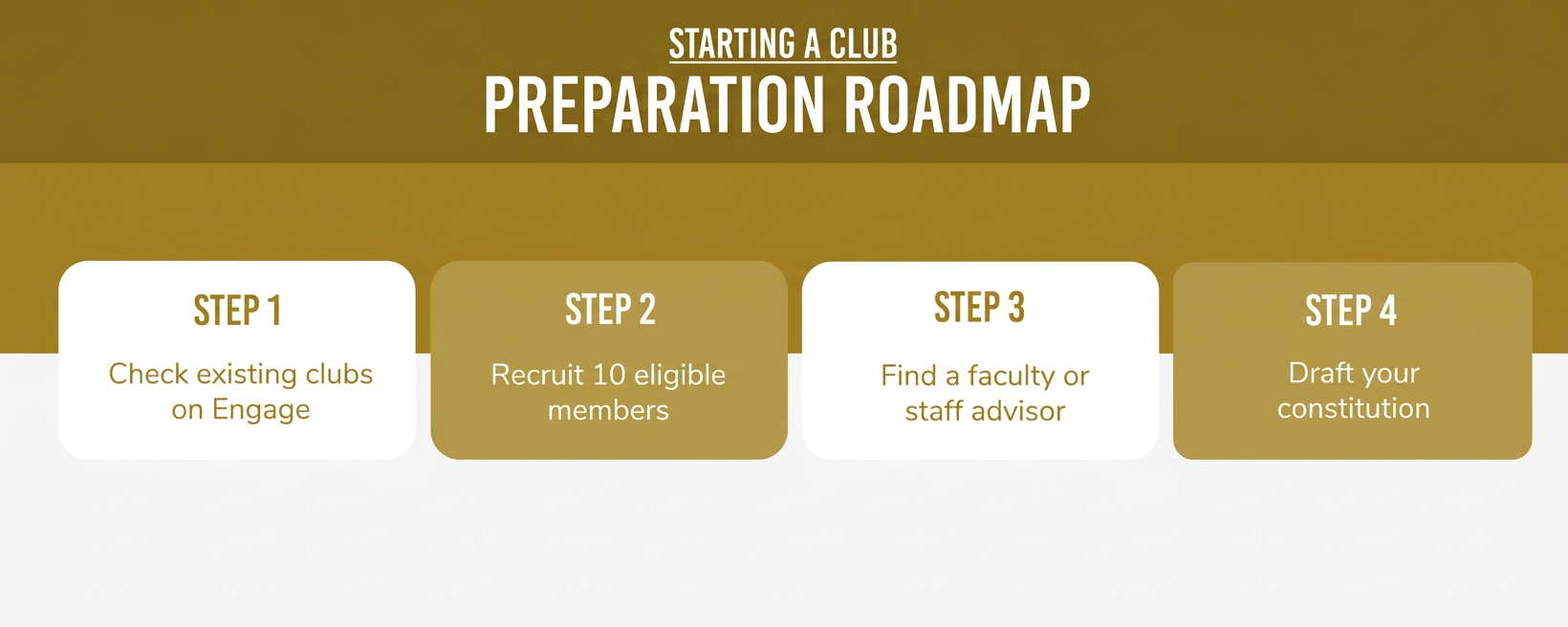
1.1: Confirm Your Club Doesn’t Already Exist
Search existing organizations on Engage to check whether Georgia Tech already has a club with the same purpose. Review organizations with similar missions before moving forward with your idea.
1.2: Recruit at Least 10 Eligible Members
Recruit at least ten students who share your interest in the organization. Each member must meet Georgia Tech’s eligibility requirements, including paying the student activities fee and enrolling in at least six credit hours.
Note that officers count toward the ten-member minimum. For example, four officers and six additional members satisfy this requirement.
1.3: Find a Faculty or Staff Advisor
Find an advisor who is a full-time, exempt employee of Georgia Tech or the Georgia Tech Alumni Association. Exempt means the employee is not eligible for overtime pay. New advisors must also receive annual supervisory approval.
It’s a good idea to start by asking professors, academic advisors, or staff members whose interests connect with your organization’s purpose!
If you’re unsure whether or not your advisor meets the requirements, you can contact engage@gatech.edu.
1.4: Draft Your Constitution
Use the Center for Student Engagement’s model constitution to establish your organization’s purpose, leadership structure, membership requirements, and operating procedures.
Your constitution explains how the organization operates. Specify how officers are elected, what each officer does, who can become a member, and how leadership transitions will work.
Step 2: During the Charter Window
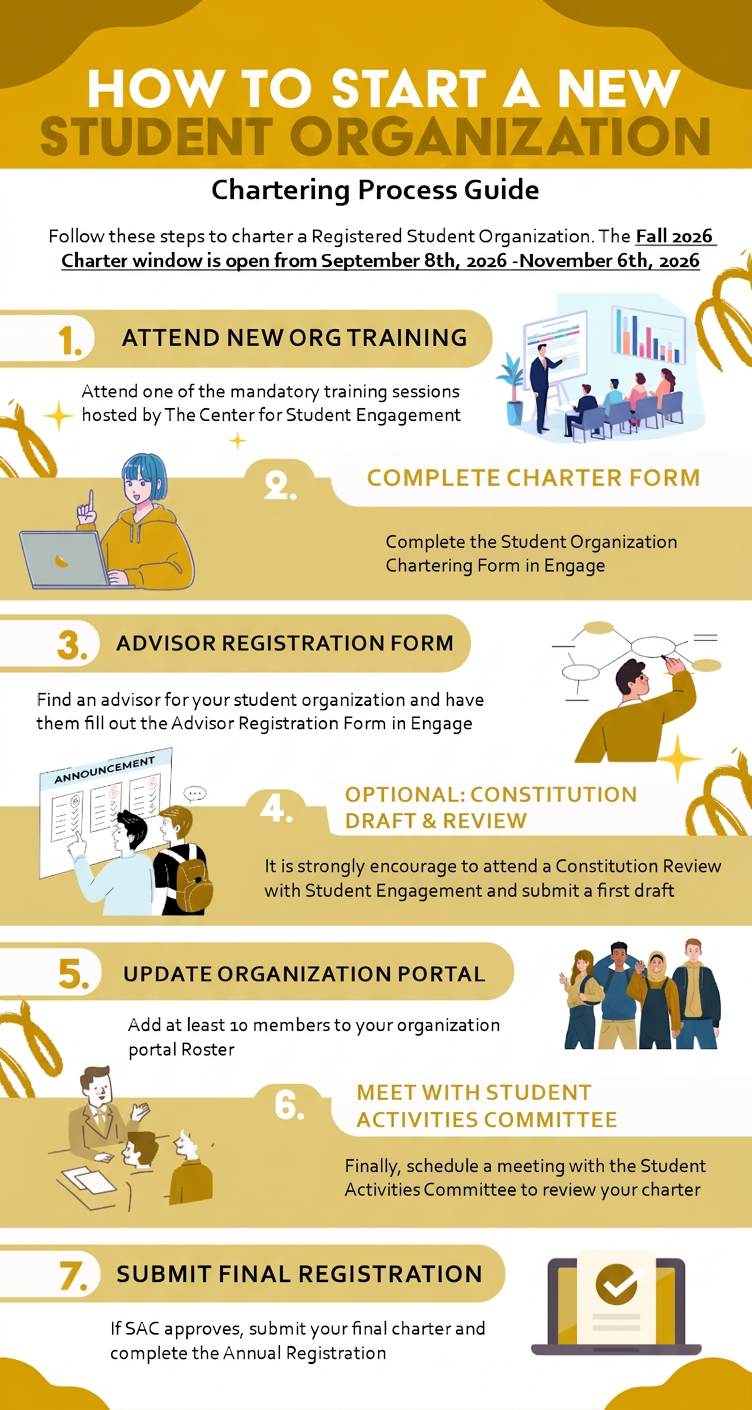
2.1: Attend a Mandatory Charter Training
Register for a required Charter Training session through Engage. You or another organization officer must attend before moving forward with the application.
Only one officer needs to attend one session. The officer who attends will receive the links needed to complete the charter and advisor forms.
2.2: Complete the New Organization Charter Form
After training, follow the instructions sent to your email and complete the New Organization Charter Form in Engage. Provide your organization’s name, purpose, and category.
Be prepared to state whether your club belongs to a larger organization or works with minors, and acknowledge the Alcohol and Illegal Drug Policy.
2.3: Have Your Advisor Submit Their Form
Send the Advisor Registration Form to your faculty or staff advisor and ask them to complete the required information.
Your advisor must log into their own Engage account and submit the form themselves. After this step, the Center for Student Engagement will create your organization’s Engage portal
2.4: Submit Your First Constitution Draft
Upload your organization’s constitution to Engage. Make sure the document follows Georgia Tech’s required format and includes the necessary governing information.
Although an initial constitution review is optional, Georgia Tech strongly recommends it. Submit your draft using the provided form and meet with Student Engagement to receive feedback before your SAC meeting. Use the same submission form for later revisions.
2.5: Build Your Roster to 10+ Members
Invite members through Engage using their original Georgia Tech login email addresses; email aliases will not work. Confirm that at least ten members, including officers, appear on your organization’s portal roster.
2.6: Meet with the Student Activities Committee (SAC)
Once your requirements are complete, Student Engagement will verify them and schedule your SAC meeting. Send one officer who understands the organization’s management and constitution. SAC approval alone does not complete the chartering process; you must also finish the final registration.
2.7: Submit Your Final Registration
If SAC approves your organization, complete any required revisions and submit your Annual Registration. Ask your advisor to approve the registration.
Your organization becomes fully chartered after advisor approval and verification by Student Engagement. Watch for the ‘Fully Chartered’ confirmation email.
Step 3: After You’re Chartered
Here are some of the things you can do to manage your organization and build up its presence.
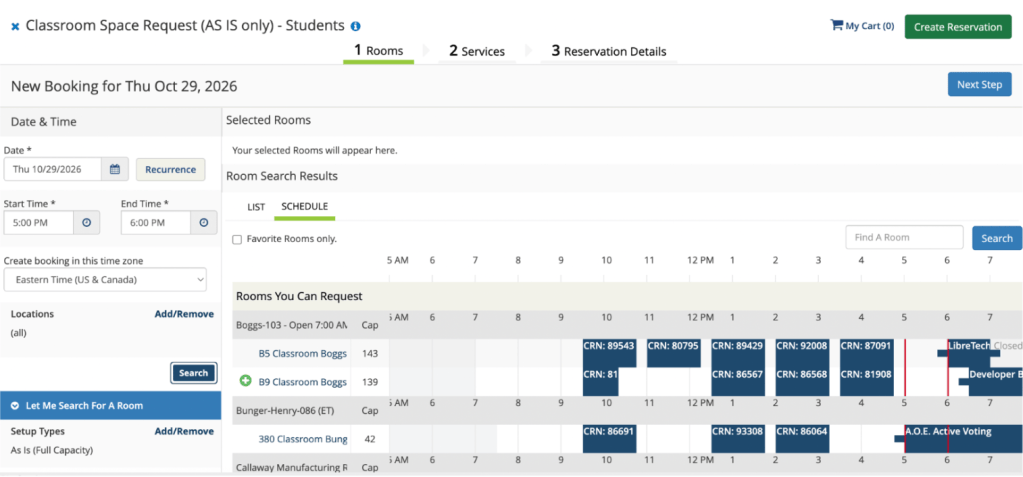
3.1: Reserve Campus Spaces for Meetings and Events
Choose a room that fits your meeting size and equipment needs. Use the campus room reservation system to review available spaces and submit a request: https://git.emscloudservice.com/web/. Confirm your reservation before advertising the location.
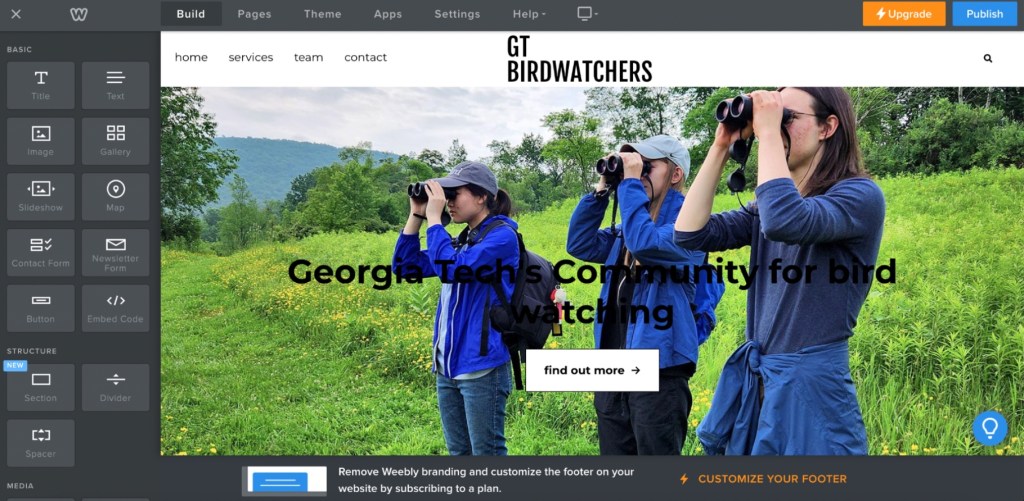
3.2: Create a Website for Your Organization
Create a central online home for your organization using a website builder such as Weebly. Include your mission, leadership, events, meeting schedule, and a clear way to join. Keep the information current.
3.3: Promote Your Organization on Social Media
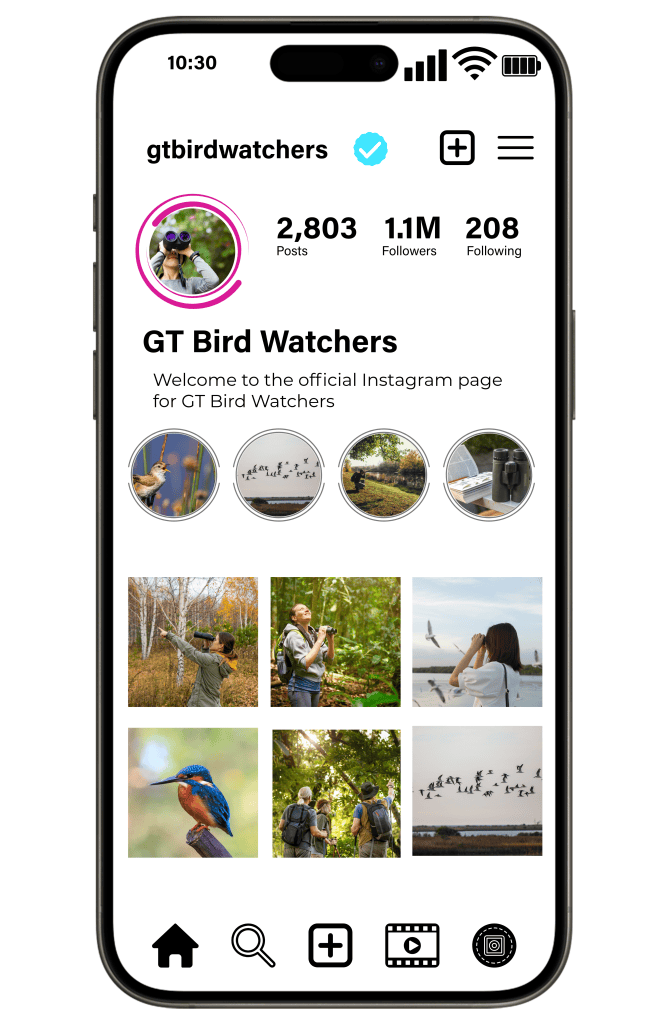
You can use social media like Instagram to promote events, share updates, showcase club activities, and connect with prospective and current members.
3.4: Organize Your Communication Channels
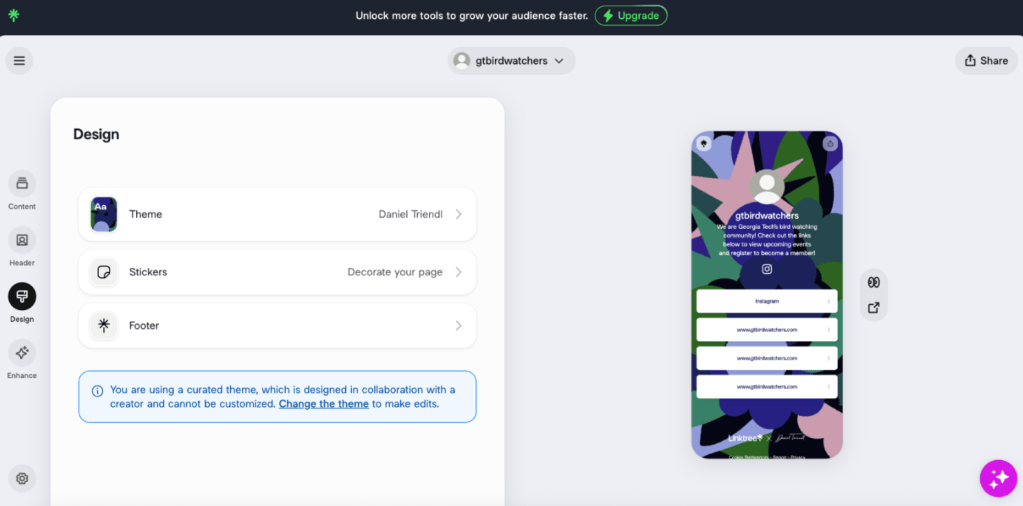
Choose one main communication channel, such as GroupMe, Slack, or Discord, so members know where to find announcements. Use a Linktree to collect your website, event calendar, joining form, and group invitation in one place. Share access with another officer so the club can maintain its accounts during leadership changes.
Resources
Engage: https://gatech.campuslabs.com/engage/ — search organizations, find training sessions, and manage your roster.
Model constitution: https://studentengagement.gatech.edu/sites/default/files/file_block/2024%20Model%20Constitution%20Doc.pdf — use the linked model as a starting point and confirm that it is the latest version.
Campus room reservations: https://git.emscloudservice.com/web/ — review spaces and request a room.
Questions about advisor eligibility or chartering: engage@gatech.edu.


Leave a Reply