
Ahmed Mohammed & Shreshtha Mahurkar
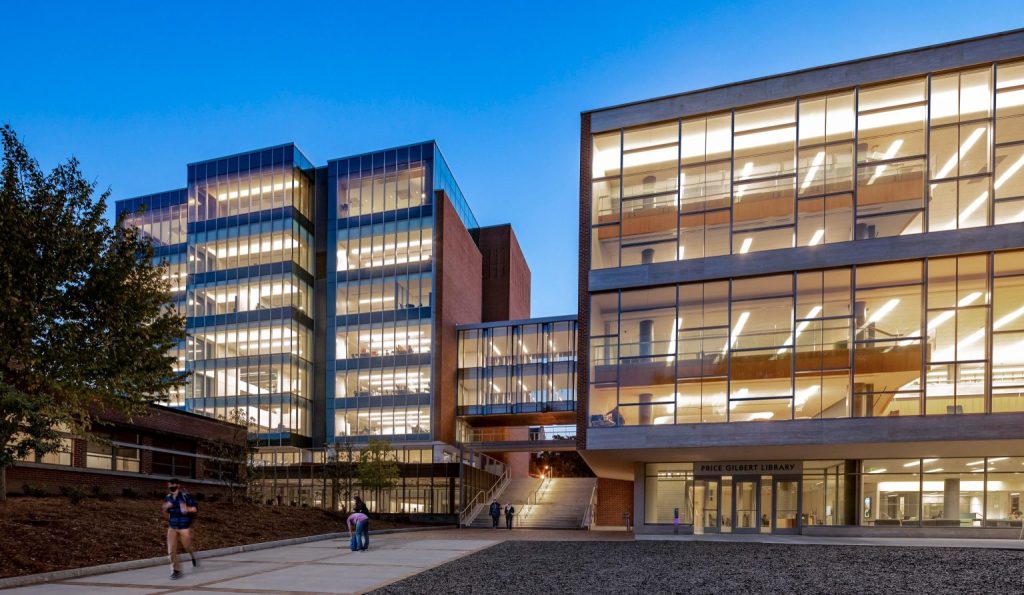
The Georgia Tech Library provides a variety of services that support students’ academic success beyond just offering books and seating. The library also provides access to learning resources, collaborative environments, technology, and academic support. In addition, the library offers services that help students navigate college coursework effectively. Services such as ordering books, booking study rooms, borrowing equipment, and utilizing tutoring resources show how the library functions as a combined support system for students across many disciplines.
One valuable service is for students to be able to request or order books through the library system which is a huge database. This allows students to access materials that may not currently be available in the library’s collection, ensuring that they can get the sources needed for research projects or coursework. By expanding access to academic materials, this service helps students engage with a broader range of resources.
Another important service is the option to book study rooms within the library. These rooms provide quiet, structured environments where students can collaborate on group projects, prepare presentations, or focus on individual study without distractions. Having dedicated spaces for collaboration is especially useful at a university like Georgia Tech, where many assignments involve teamwork and discussion.
The library also allows students to borrow equipment, such as technology and multimedia tools, that they may not personally own. This ensures equal access to the technological resources needed for academic work, including projects that require specialized equipment or even personal projects for someone learning a new skill. In addition, students can benefit from tutoring and academic support services available in spaces such as the Naugle Lab and Knack tutor center, where tutoring resources help students strengthen their understanding of course material and improve their academic performance.
Given that these services provide students with additional resources and support, we lay out a guideline on how to make the most out of them to increase the chances of academic success.
Below is an infographic that summarizes the steps laid out in this post.
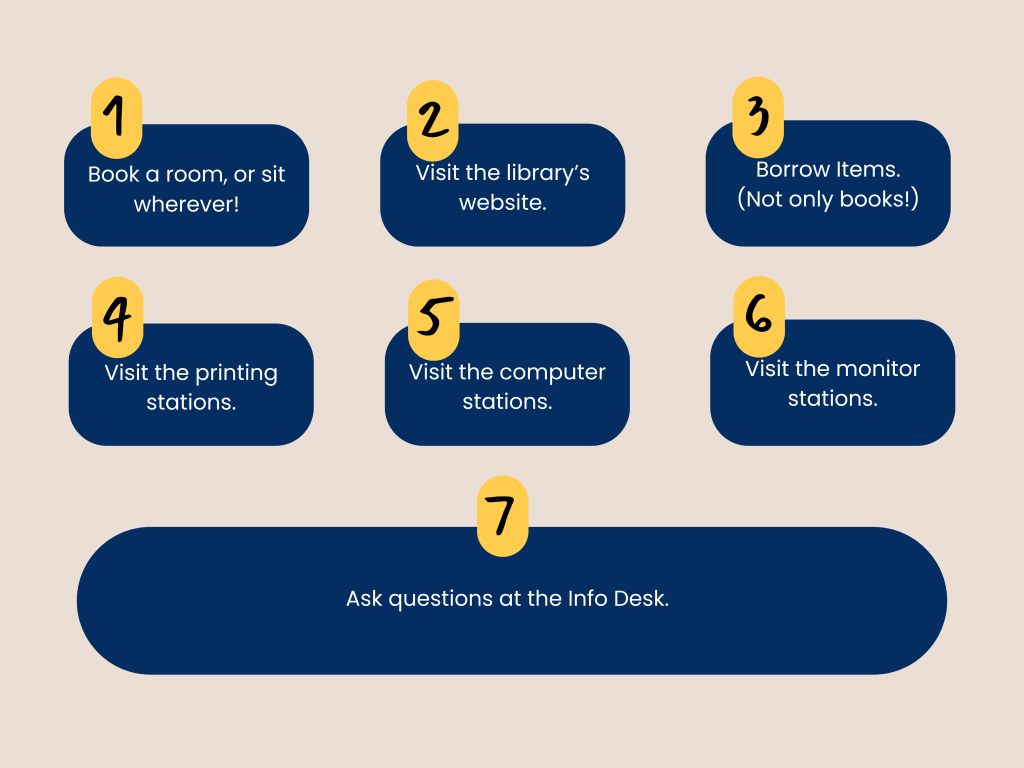
- (1) Book a Room, Or Sit Wherever!
- (2) Access the Library’s Website
- (3) Borrow Items
- (4) Visit the Printing Stations
- (5 & 6) Visit the Computer Station & Monitor Stations
- (7) Ask Questions at the Info Desk
- So, What Now?
(1) Book a Room, Or Sit Wherever!
Famously, the Price Gilbert Memorial Library contains 4 stories of study space. The first and third levels are composed of large tables that enable large groups to study together, while the second and fourth floors are more catered towards people who prefer to study in smaller groups or alone.
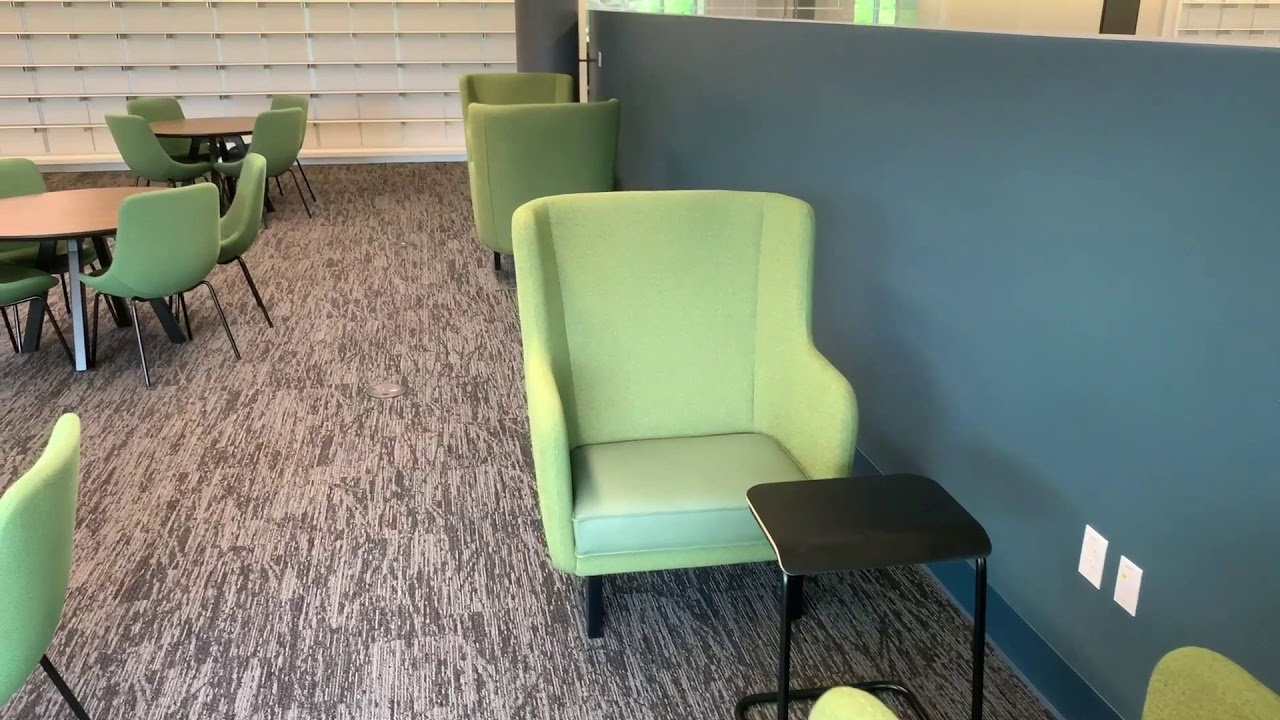
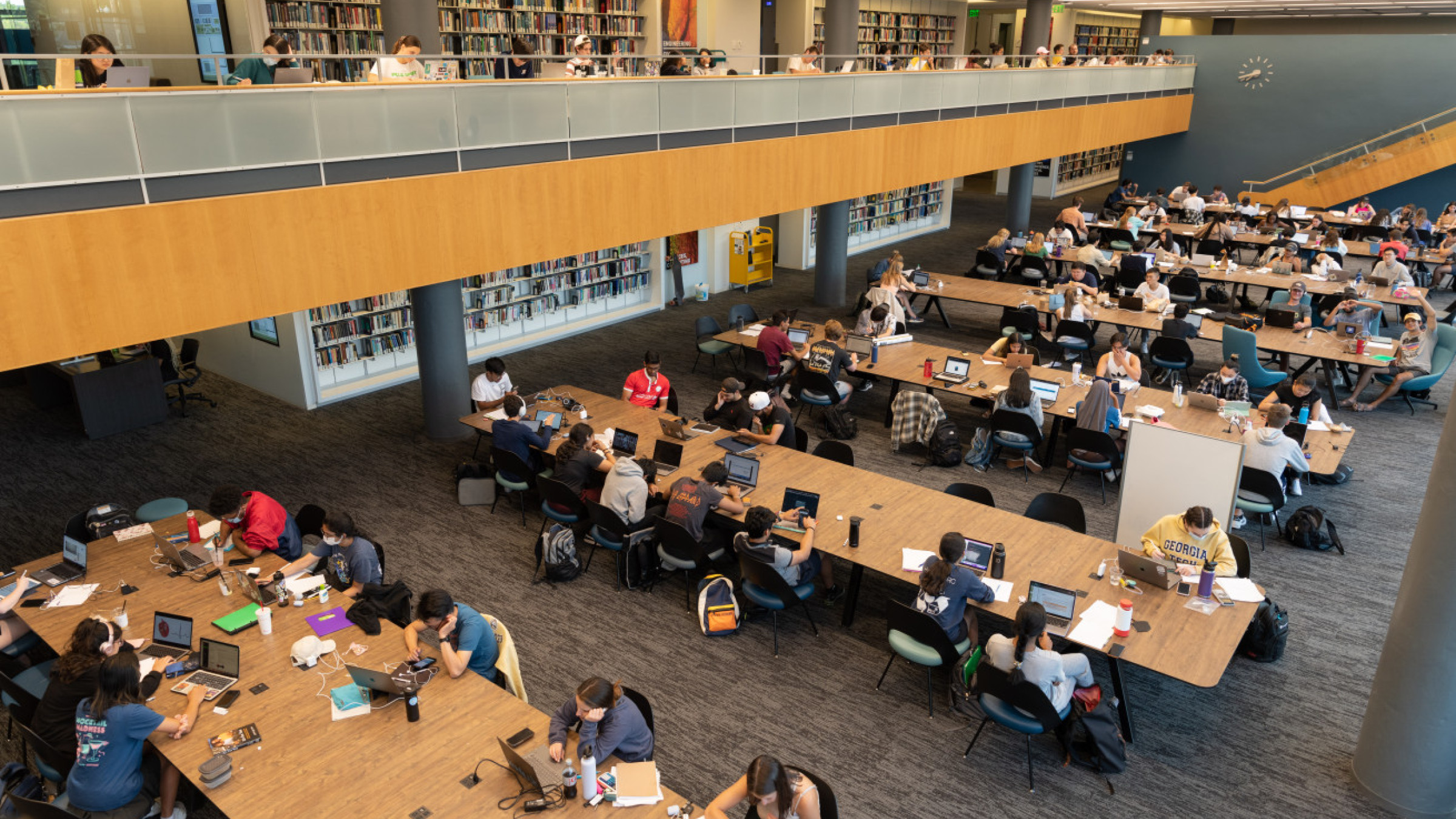
While the Price Gilbert Memorial Library and the Crosland building provide ample space for students to study, sometimes, you may want to have your own study space. Well, you’re in luck! In this video, we go over how you could reserve your own study room! (Link for convenience.)
Just so you have an idea of what the different rooms might look like, here is a few photos of the rooms.
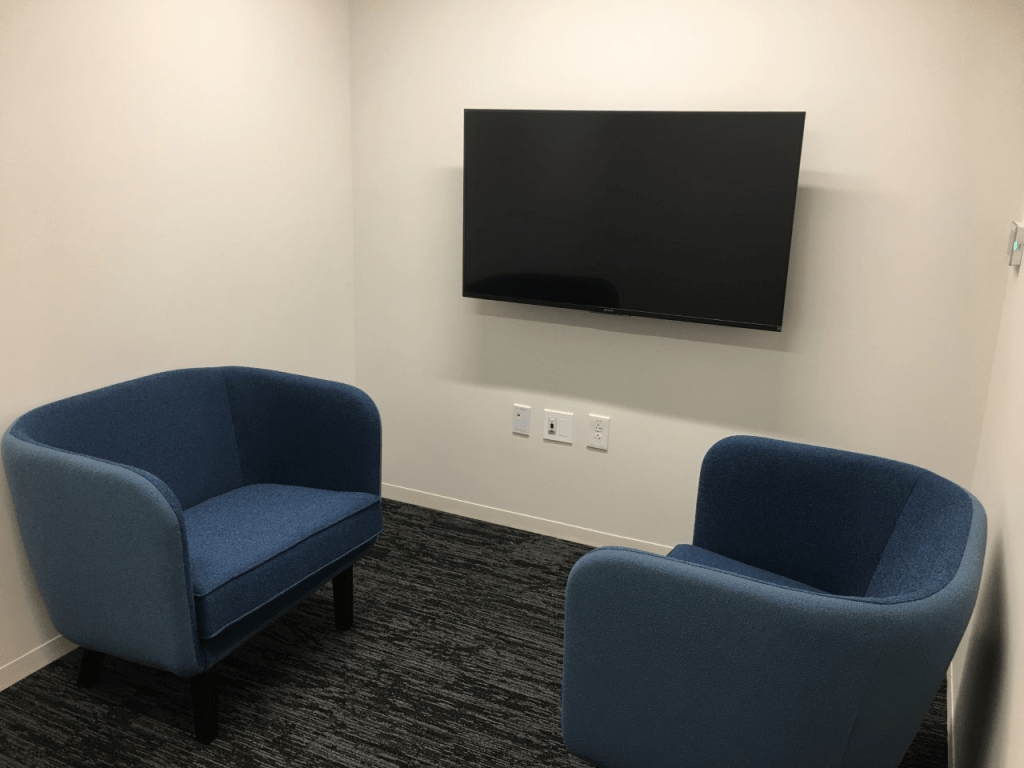
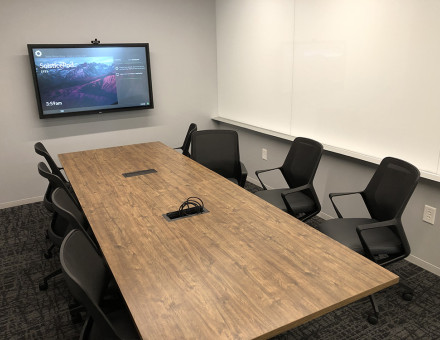
A remark: Please make sure that when you reserve a room, you try your best not to reserve a room beyond your capacity. For example, if there is a room that can hold 6 people, and another that can hold 4, and you’re only booking the room for yourself, then try not to book the larger room.
(2) Access the Library’s Website
Perhaps the most useful aspect of the library is the absolute wealth of information to which you’re given access. For example, you’re able to browse through entire databases and not only for books, but also articles and other forms of media. The library website is truly deserving of its own post, but to be brief about it, you can visit the website through the link. From there, you could enter the name of the specific book or resource you’re looking for.
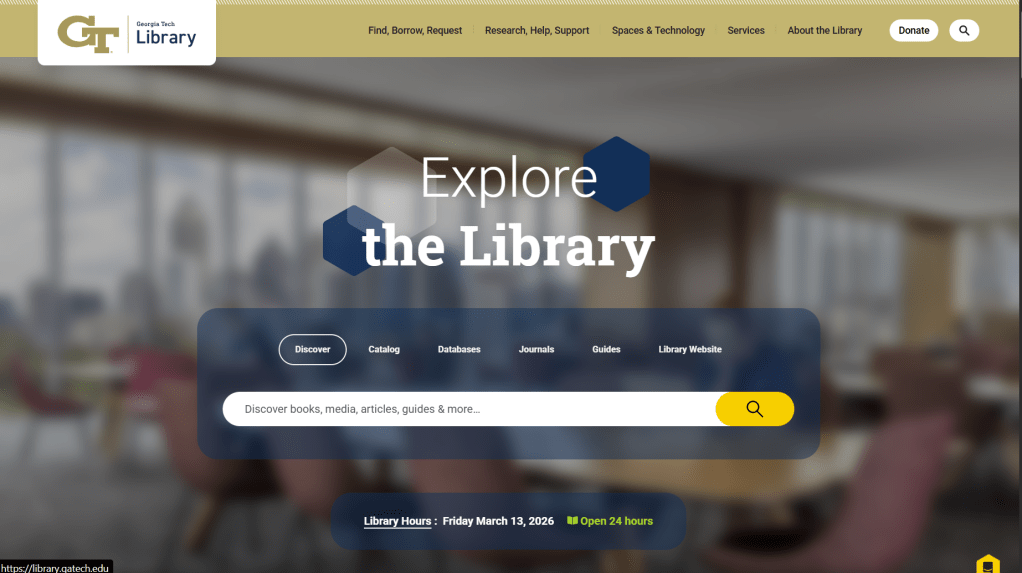
The library’s website also displays dates of different workshops that are offered. (Yes! The library offers workshops!) These workshops often cover a myriad of topics, from tips for academic success to more technical topics.
(3) Borrow Items
This one is sort of obvious, isn’t it? After all, how could something be classified as a library if you’re not able to borrow books? Well, you could be surprised to know that books are not the only thing you could borrow from the library. In fact, the library does offer a lot when it comes to borrowing, from laptop chargers to technical gadgets you might need.
Below are just some items you could borrow. If you’d like a full list of these items, make sure to visit the website on the following link. Common items include chargers, cameras (requires reservation), and, of course, books. The books you check out do not necessarily have to be restrained to the set of books found in the library; you could also request books in other libraries (e.g., Emory’s library) through the Georgia Tech Library.
Do note that some items could be checked out instantly from the Info Desk (which we will discuss very shortly), whereas checking out other items might take longer.
(4) Visit the Printing Stations
As a student, you will most likely seldomly print throughout the semester. However, when you do need to print something out, the library is always available. Even though the library isn’t the only spot where you could print documents, there are more specialized printers found only on the 3rd floor of the Price Gilbert Memorial library if you’d like to print posters.
The easiest way to print a specific document is by using the Pharos system. This involves downloading the Pharos app on your phone, adding your documents to the printing queue, and then heading to one of the printers and following the instructions on the printer. If you’re curious, here are the various printing stations around campus. (Courtesy of the OIT at Georgia Tech.)
Click on each mark to get more information about the whereabouts of the printers, such as the floor on which they are located. Red marks are reserved for people who have residential access, whereas locations marked blue should be accessible to everyone.
(5 & 6) Visit the Computer Station & Monitor Stations
In the Clough Undergraduate Learning Commons (CULC) building, you’ll be able to find monitor stations, but you can also find computer stations in the Price Gilbert Memorial Library and Crosland buildings. The different stations open to all students in these two buildings are:
- Orange Station, located on the fourth floor of Crosland Tower.
- Yellow Station, located on the third floor of the Price Gilbert Memorial Library building.
- Purple Station, located on the third floor of the Price Gilbert Memorial Library building.
- Gray Station, located on the third floor of the Crosland Tower.
- Green Station, located on the third floor of the Price Gilbert Memorial Library building.
The first four of these stations serve as monitor stations, meaning that you can use them if you’d like to work with a larger screen. You do not need to reserve these stations, but you will need to bring your own device. The very last station is known as the Multimedia Computing Zone, and you need to reserve a computer before you arrive. There is a large suite of software available in these computers, with the main one being the Adobe Suite.
(7) Ask Questions at the Info Desk
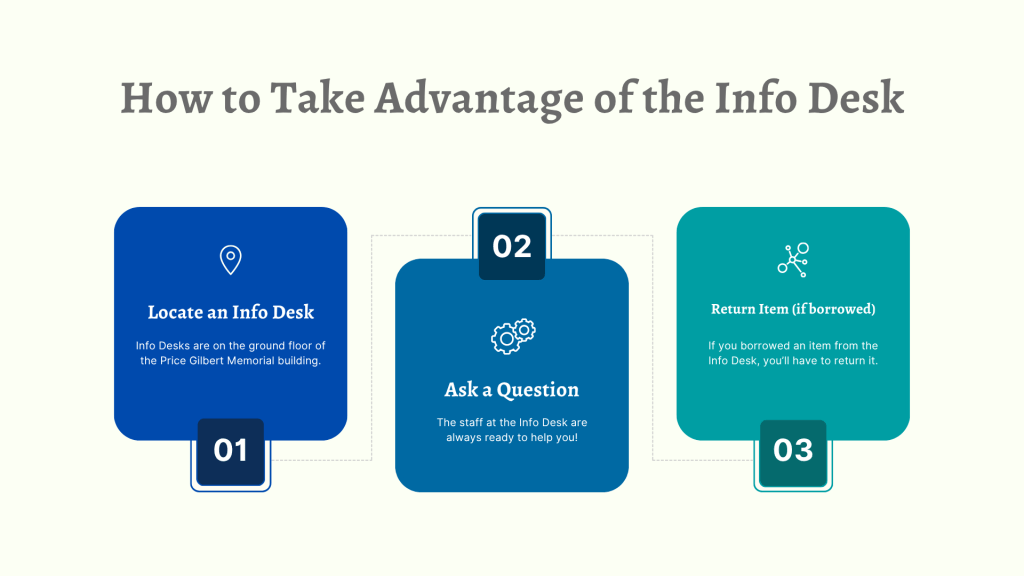
The Info Desk is a great source of information whenever you come have a problem or question related to the library. Also, if you wish to borrow items, you can do so through the Info Desk, but for a limited set of items. Below is how to take full advantage of the Info Desk.
So, What Now?
Hopefully, we were able to provide just a glimpse of how you could make the most out of the library. It is a great area to rest in, meet with friends, or study alone. There is a lot that was not covered in this post. If you’re interested, have a look at the library’s website at https://library.gatech.edu/.


Leave a Reply